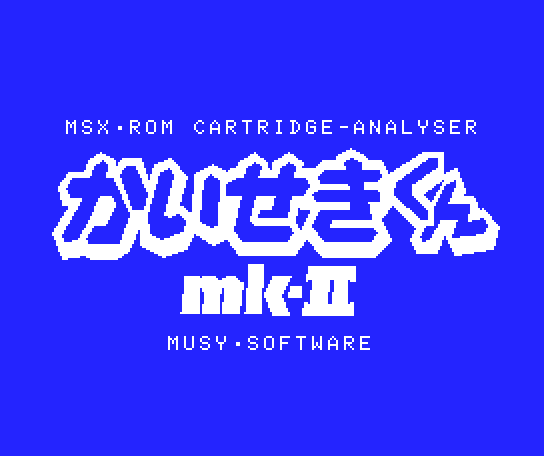
Kaiseki Kun mk-II
- Original title
- かいせきくんmk-II
- Title translations
- Kaiseki Kun mk-II (Japanese Rōmaji)
- Developed by
- MUSY SOFTWARE
- Year
- 1986
- System
- MSX
Technical Specifications
- Rating
-
0 votes, 0.00 avg
Log in to rate this software.
- RAM
- 16kB
- Sound
- -
- Kind
- Program
- Tagoo database entry
- Visit (Japanese MSX database)
- Last updated on
- 04-08-2024
- Input Devices Supported
- Keyboard
- Language
- English
- Genre
- Copy/backup
- Uses Kanji
- No
- Uses V9990
- No
Note
Kaiseki Kun roughly translates to Analyzing Boy or Mr. Analyzer. Several versions eg 1.2 and 1.3 exist. Upgrading was available at a cost.
This firmware backs up maximum 32 kb cartridge. The cartridge has a three way rotary switch called ADDRESS SW and a two way toggle switch called ROM-RAM SW.
ADDRESS SW: CW=0, middle=1, CCW=2
ROM-RAM SW: down=ROM, UP=RAM
The Kaiseki Kun software starts only when ADDRESS SW = 2. After starting, set ADDRESS SW to 1 then the menu appears.
To back up another cartridge in different slot, choose ROM BACKUP, set ROM-RAM SW to RAM and follow the prompts to store to the SRAM. Set the ROM-RAM SW to ROM to retain the SRAM content.
To boot the software stored in the SRAM, set ADDRESS SW to 1 and start the MSX. If you set the ROM-RAM SW to RAM under this condition the SRAM content is lost immediately.
Switching the ROM-RAM SW to RAM when the MSX power is off or the SRAM content is not accessed does not erase the SRAM content
Starting the MSX with ADDRESS SW = 0 starts the MSX BASIC normally.
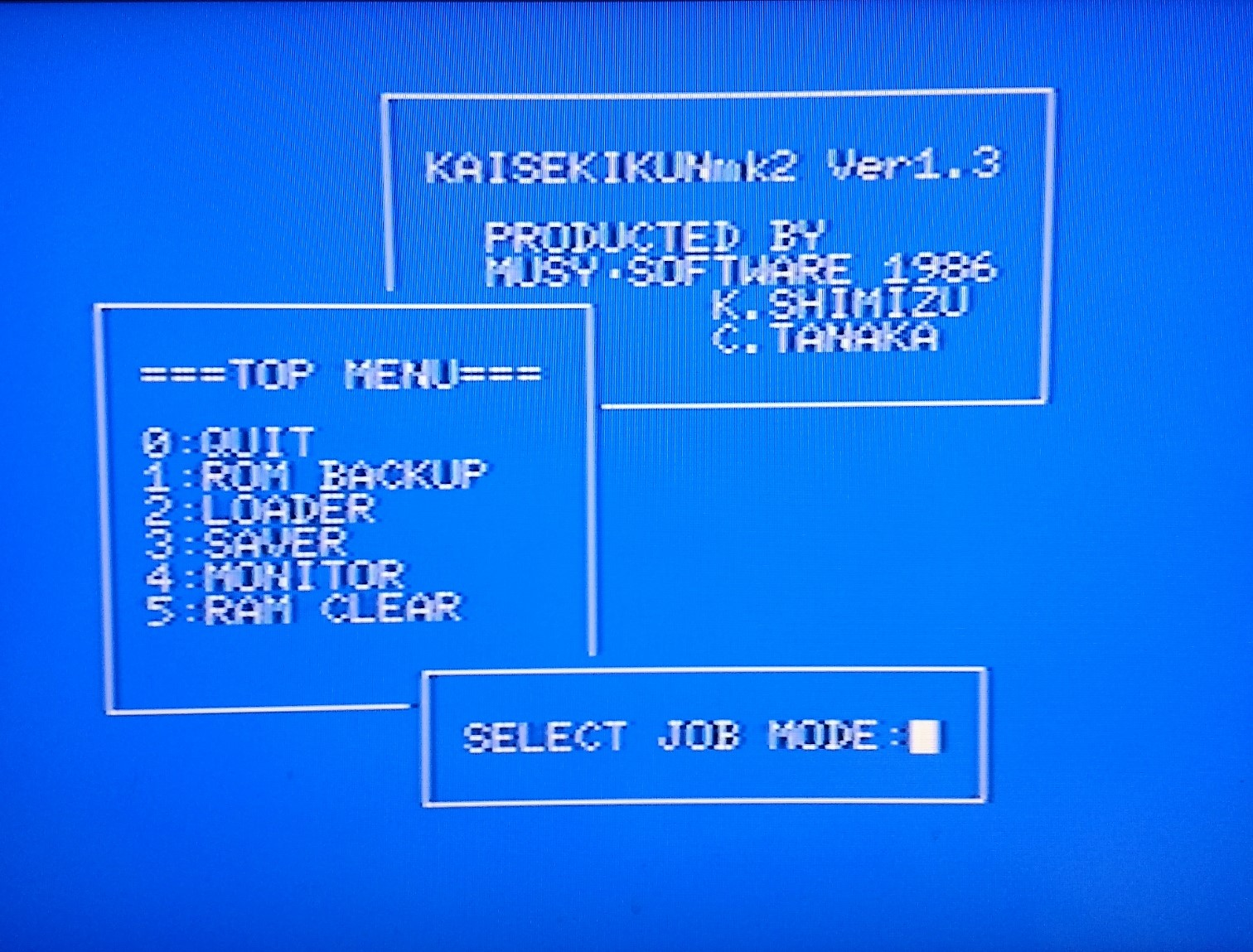
After choosing the MONITOR menu, HELP command displays the command list.
Description based on Backup Utilization Technique Part 5 magazine page 220-221:
There is a 16 kb program ROM and a 32 kb RAM. When the ADDRESS SW = 0 the RAM is set to 0000H-7FFFH and if the MSX has 32 kb RAM, it is increased to 64 kb.
When the ADDRESS SW = 1 the RAM is set to 4000H-BFFFH and the cartridge software can be dumped to that area. Also, if the MSX has 16 kb RAM it is increased to 32 kb.
ADDRESS SW = 2 is used only when starting the Kaiseki Kun.
When ROM-RAM SW is ROM the 32 kb RAM can become a virtual ROM so that you can execute protected software or convert your own program to ROM.
Kaiseki Kun mk-II retains the dump with lithium battery so you do not need to dump the software every time, and it can be alternatively used as a 32 kb RAM disk.
The rom cartridge addresses that can be dumped are 4000H-BFFFH.
SAVER menu: Choose the baud rate then save the content of mk-II's 32 kb RAM to a tape.
LOADER menu: Loads the content saved by SAVER.
MONITOR menu: Starts the machine language monitor. Select a command to analyze, modify, etc.
RAM CLEAR menu: Clears the Kaiseki Kun mk-II RAM so that you can use it as a simple expansion RAM.
QUIT menu: Quits to MSX BASIC.
This firmware backs up maximum 32 kb cartridge. The cartridge has a three way rotary switch called ADDRESS SW and a two way toggle switch called ROM-RAM SW.
ADDRESS SW: CW=0, middle=1, CCW=2
ROM-RAM SW: down=ROM, UP=RAM
The Kaiseki Kun software starts only when ADDRESS SW = 2. After starting, set ADDRESS SW to 1 then the menu appears.
To back up another cartridge in different slot, choose ROM BACKUP, set ROM-RAM SW to RAM and follow the prompts to store to the SRAM. Set the ROM-RAM SW to ROM to retain the SRAM content.
To boot the software stored in the SRAM, set ADDRESS SW to 1 and start the MSX. If you set the ROM-RAM SW to RAM under this condition the SRAM content is lost immediately.
Switching the ROM-RAM SW to RAM when the MSX power is off or the SRAM content is not accessed does not erase the SRAM content
Starting the MSX with ADDRESS SW = 0 starts the MSX BASIC normally.
After choosing the MONITOR menu, HELP command displays the command list.
Description based on Backup Utilization Technique Part 5 magazine page 220-221:
There is a 16 kb program ROM and a 32 kb RAM. When the ADDRESS SW = 0 the RAM is set to 0000H-7FFFH and if the MSX has 32 kb RAM, it is increased to 64 kb.
When the ADDRESS SW = 1 the RAM is set to 4000H-BFFFH and the cartridge software can be dumped to that area. Also, if the MSX has 16 kb RAM it is increased to 32 kb.
ADDRESS SW = 2 is used only when starting the Kaiseki Kun.
When ROM-RAM SW is ROM the 32 kb RAM can become a virtual ROM so that you can execute protected software or convert your own program to ROM.
Kaiseki Kun mk-II retains the dump with lithium battery so you do not need to dump the software every time, and it can be alternatively used as a 32 kb RAM disk.
The rom cartridge addresses that can be dumped are 4000H-BFFFH.
SAVER menu: Choose the baud rate then save the content of mk-II's 32 kb RAM to a tape.
LOADER menu: Loads the content saved by SAVER.
MONITOR menu: Starts the machine language monitor. Select a command to analyze, modify, etc.
RAM CLEAR menu: Clears the Kaiseki Kun mk-II RAM so that you can use it as a simple expansion RAM.
QUIT menu: Quits to MSX BASIC.
Groups & Mentions
Mentioned in Publications:
- Hacker 5 on page 9 (ad)
- Hacker 5 on page 39 (guide)
- Hacker 5 on page 113 (guide)
- バックアップ活用テクニック Backup Utilization Techniques 5 on page 220 (guide)